While I’m writing this we are halfway through 2026, and UX has undergone a transformation, a transformation towards optimizing for a smooth seamless user experience at the expense of creativity.
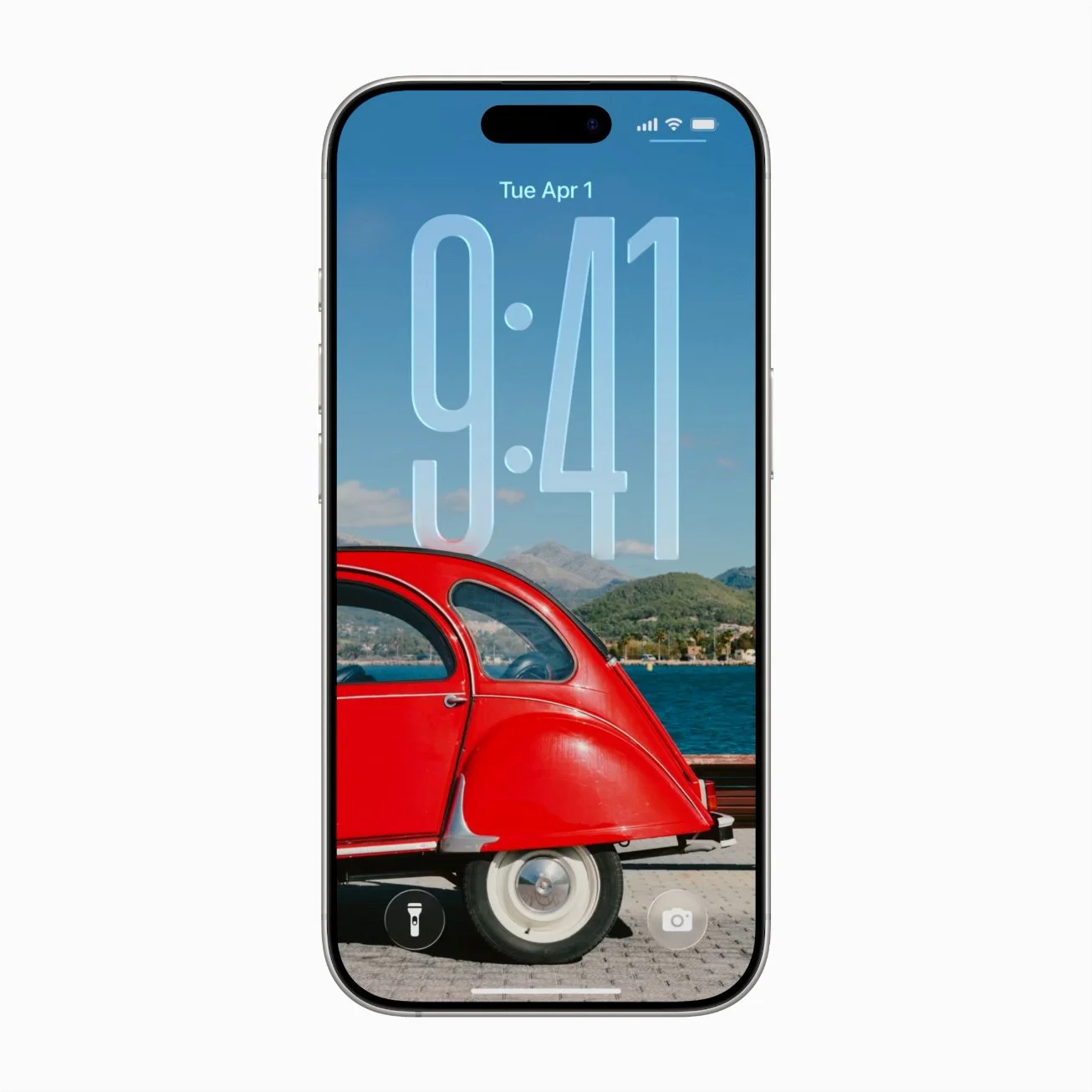
The iphone might be one of the biggest symbols of sleek optimized UX in pop culture.
Gone are the days where a plucky designer can get a foot in the door at a cool interesting company with just a unique portfolio, to get to work on the truly innovative projects these days you need technical skills, be that data management skills, quantitative research skills, full stack development skills or all three. On some level I understand the push towards technical skills, in UX, it’s part of the broader trend towards data driven design and optimization, data driven design is great for creating frictionless, intuitive experiences that allow for fast action and decision making. Take designing an air traffic visualization tool for air traffic controllers, in that scenario you would absolutely want the UX of that system to be as smooth and intuitive as possible, however, I do think that in the strive for optimization, something is lost, namely creativity and innovation. I’ve talked before about the dichotomy of design and art and in my opinion all man made objects fall somewhere on a spectrum between design and art, take the example of a chair, a chair can be as functional as possible, prioritizing use above all else, a chair can also be a work of art, made as an artistic expression as much as it is an object to sit in. Optimization, which data driven design amplifies, pushes for systems to emphasize design, and in particular design that focuses on frictionless UX, first and foremost.
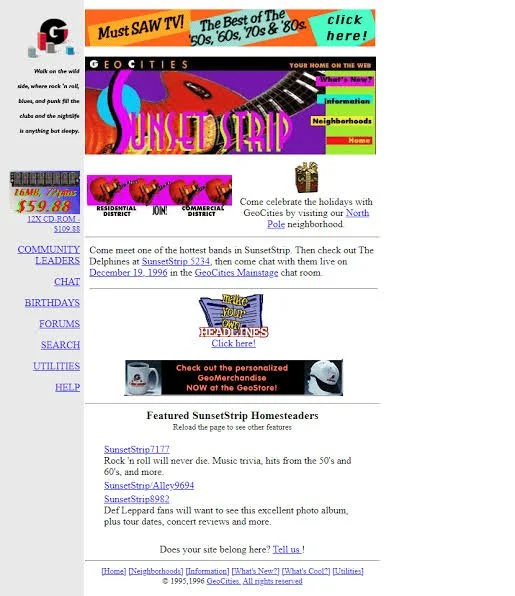
The famous Sunset Stripe neighborhood in Geocities.
Data driven design and optimization does have its place, however I feel that something is lost in the overemphasis on frictionless design. In aiming for frictionless design, we can end up sanding down the parts of an interactive system that are interesting, unique, or that challenge us to think in new ways. And to go back to my comment about plucky designers, in aiming for highly optimized frictionless design the industry filters out designers who are new, inexperienced or just out-of-the-box, essentially excluding new voices and perspectives from the world of UX. To use statistical terms, the arms race of optimization has normalized the types of interactive systems that get made, making interactive systems (websites, apps, mainstream games, etc.) start to feel the same. The message that designers are taught is that unusual, experimental, and innovative interactive systems that may have a high learning curve are not what the industry wants, so designers start self selecting for frictionless optimized design at the expense of innovation, shifting their projects and portfolios towards what everyone else is doing. And something really has been lost in the push for optimization, think of how creative websites used to be in the 90s and early 2000s, while they did not necessarily have smooth easy to pick up UX, no can deny that early websites had creativity.
This also ties into the proliferation of AI in design, gen AI designs, are bland at best, (and unusable at worst), if you’ve ever played around with gen AI in design tools you’ll notice that they always seem to produce the same cookie cutter UI systems that follow the same cookie cutter UX. Ironically gen AI driven UX systems are never data driven, because there is no user research involved in a cookie cutter gen AI UX system that has been slapped on an app or webpage, but on the surface level they have the appearance of being optimized, because the UX systems they are trained on have been optimized, and this is enough for some stakeholders who only have a surface level understanding of what design is.
Overall I think that there should be a balance between optimization and experimentation, while optimization serves an important purpose, leaning too hard into prioritizing optimization comes at the expense of experimentation and creativity in UX.
Everything I write was written using only my brain, if you are interested in my research, please visit my website’s about page.
If you are interested in collaborating with me in some way, please reach out to me on Linkedin.
